Cafés
The coffee order in a few taps.
You pick the size, the milk and the extra shot on the POS, the barista gets the drinks on a ticket at the machine, and the guest pays by card. One tablet and one card terminal are enough for the counter.
Switching to Resto is free, and you can cancel at any time.
- 1 Latte 1.190 kr NewOat milk (100 kr)Extra shot (200 kr) Extra hot
- 1 Cappuccino 850 kr
- 1 Cinnamon bun 750 kr
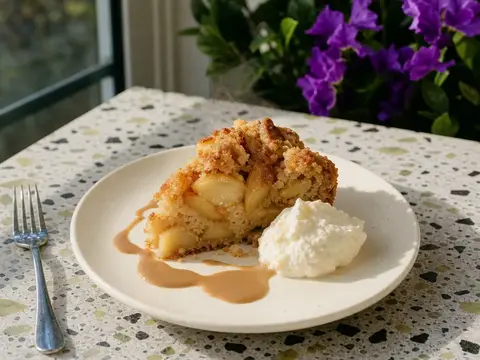
- 1 Apple cake 1.290 kr
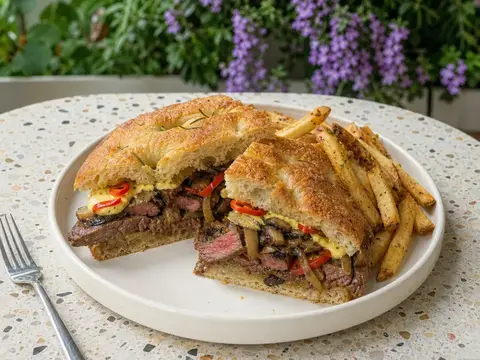
- 1 Steak sandwich 2.490 kr New
- 1 Fresh orange juice 890 kr
What this venue uses
The prices in the pictures are examples.
At the counter
An oat latte with an extra shot.
Staff pick the drink and tick the choices on one screen. The price changes at once.
- Your choices
- You set up choices for size, milk and extra shots. A choice can be required, cost extra and count, for example two extra shots.
- At the coffee machine
- The drinks print on a ticket at the machine, and the food goes to the kitchen on its own ticket. The machine can have a screen instead.
- All on the ticket
- The ticket shows the order number, to go or not, the choices and notes such as “extra hot”.
- 1 Latte 1.190 kr NewOat milk (100 kr)Extra shot (200 kr) Extra hot
- 1 Cappuccino 850 kr
- 1 Cinnamon bun 750 kr
- 1 Apple cake 1.290 kr
- 1 Steak sandwich 2.490 kr New
- 1 Fresh orange juice 890 kr
Size
Milk
ExtrasUp to 3
Payments
Card, phone or gift card.
The guest holds the card or the phone to the card terminal, or to the phone that runs the POS.
- Tap to Pay
- An Android phone takes contactless cards. We set up Tap to Pay for you.
- Your gift cards
- You sell the gift card on the POS and print it. VAT is charged at the sale. The card pays the whole check or a part of it.
- Other gift cards
- The POS also takes SmartCard and Dineout gift cards.
Order ahead
Order on the phone, pick up at the counter.
Guests order on their phones, and the order shows on your POS. When it is ready, the guest gets an SMS or an email.
- Wait time
- Make the wait time longer, or pause new online orders for a while when the queue is long.
- Sold out
- A cake that staff mark as sold out on the POS shows as sold out online too.
Questions and answers
Are one tablet and one card terminal enough?
Which accounting systems work with Resto?
What happens when the internet goes down?
How much does it cost?
Do the staff need training?
Read more in our guides
All guidesGet Resto for your café
Book a demo. We set up your menu with sizes and milk, and show you an order from the POS to the coffee machine.
- No lock-in
- Standard Android devices
- Tap to Pay on a phone
We read every request and get back to you ourselves. We also answer in the evening and at the weekend.
Thanks.
We will be in touch within one working day.