

#42 Pickup 1 min
- 2× Grilled burger AioliNo onion
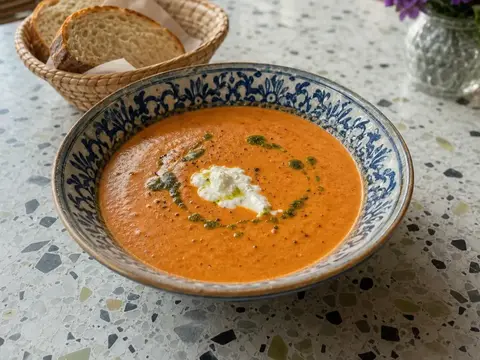
- 1× Tomato soup
- 1× Crispy giant shrimp
- 1× Chocolate fondant
Total13.550 kr
Accept
We use cookies to see which pages help restaurant owners and which do not. You choose. If you reject, we only count visits, without cookies.
Online ordering
The guest orders from your menu on their phone and pays by card. You accept the order on the POS, and the kitchen gets it like any other order.
Switching to Resto is free, and you can cancel at any time.
The guest
You put the link on your website, your Google profile and social media. The guest orders in the browser, with no app and no account.
The same menu as on the POS, with prices, photos and allergens.
The same modifiers as on the POS, and a note for the kitchen.
By card or with your gift card. The card is charged when you accept the order.
The page shows when the food will be ready. The guest gets a text message and an email when it is.
One menu
You change a price, a dish or your opening hours in one place. The POS and the ordering site show the change at once.
Busy times
On a busy night you pause new orders for 15, 30 or 60 minutes, or set a longer wait time that the guest sees before paying.
We show you an order going from a guest’s phone to the POS and into the kitchen.
We read every request and get back to you ourselves. We also answer in the evening and at the weekend.
Thanks.
We will be in touch within one working day.